Signage boards and POS displays
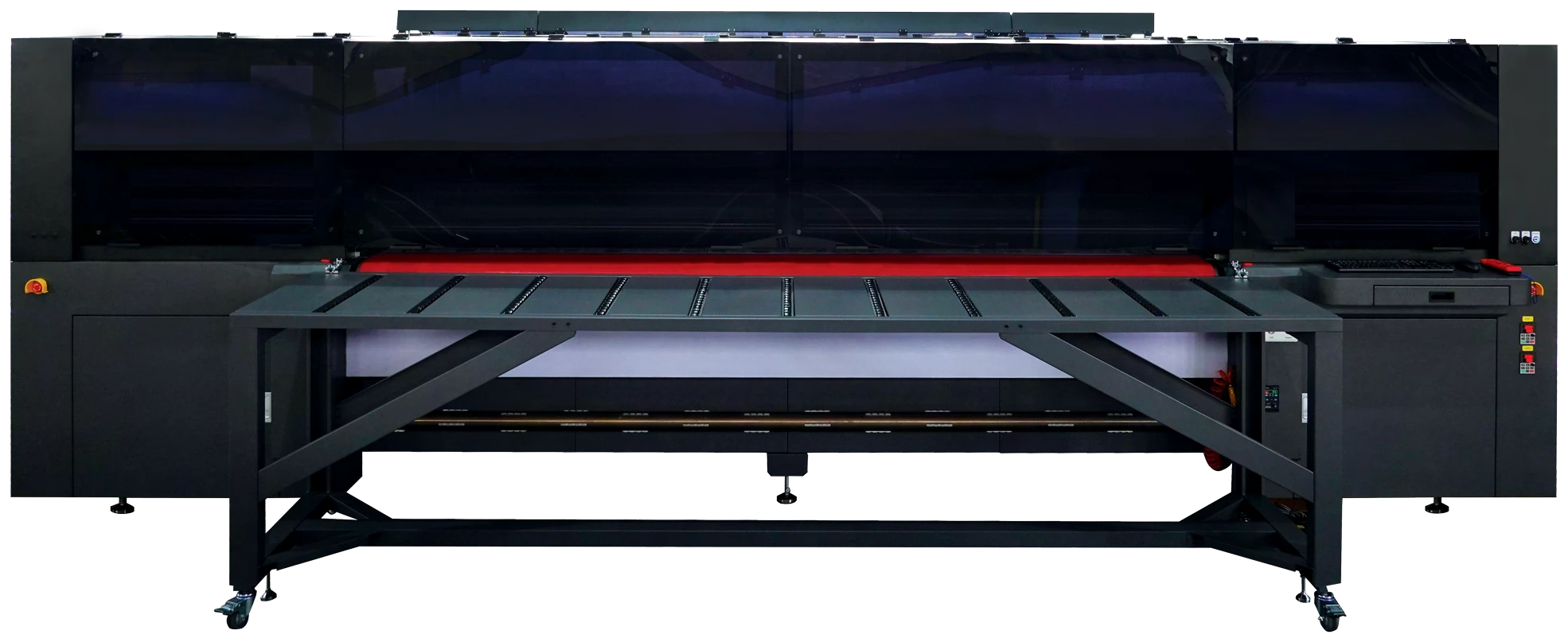
Print signage, displays and POS graphics on foam board, composite boards and other suitable rigid substrates. Support tables hold the boards as the belt feeds them through the print zone.

HYBRID / RIGID BOARDS + ROLL-TO-ROLL / UV LED
Rigid boards and roll media. More applications from one printer.
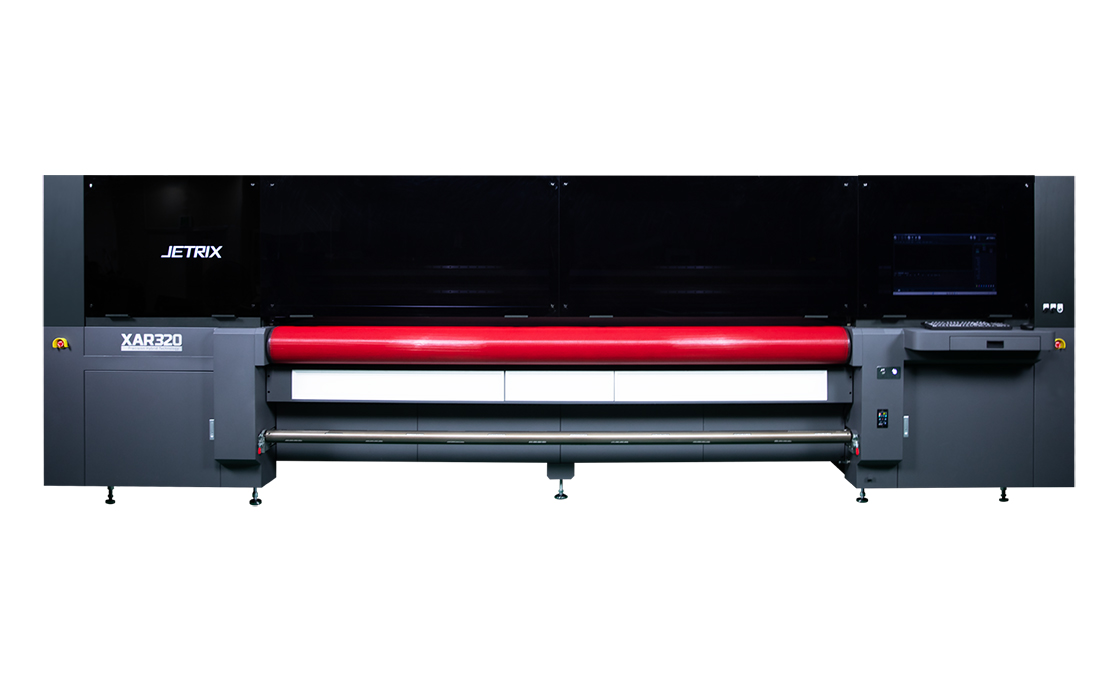
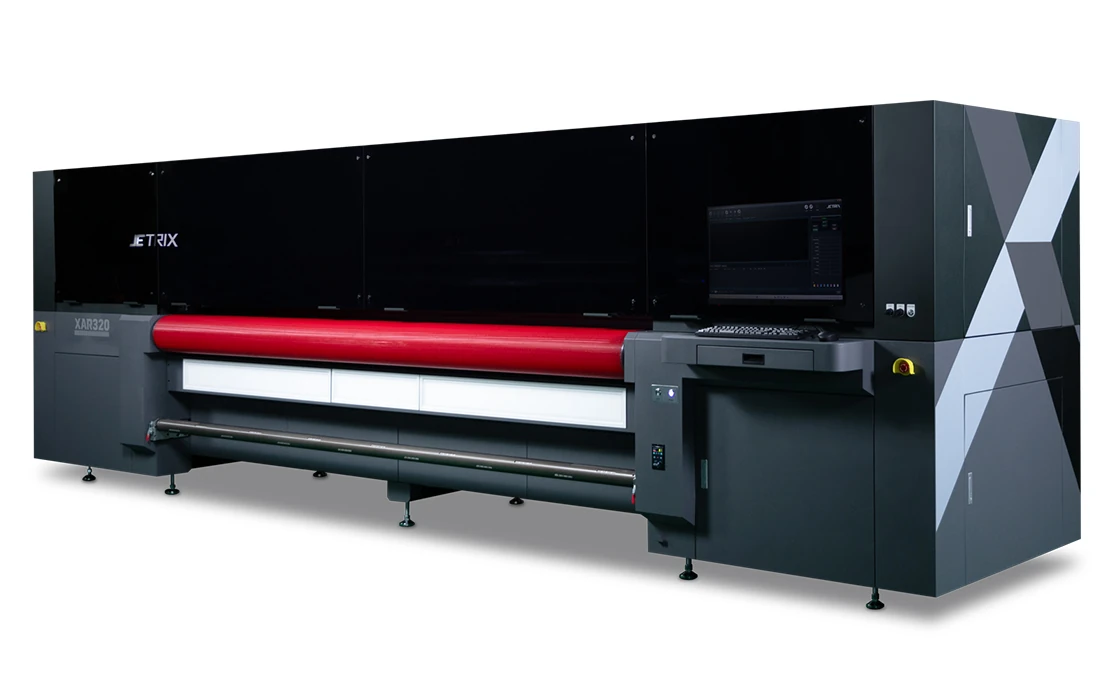
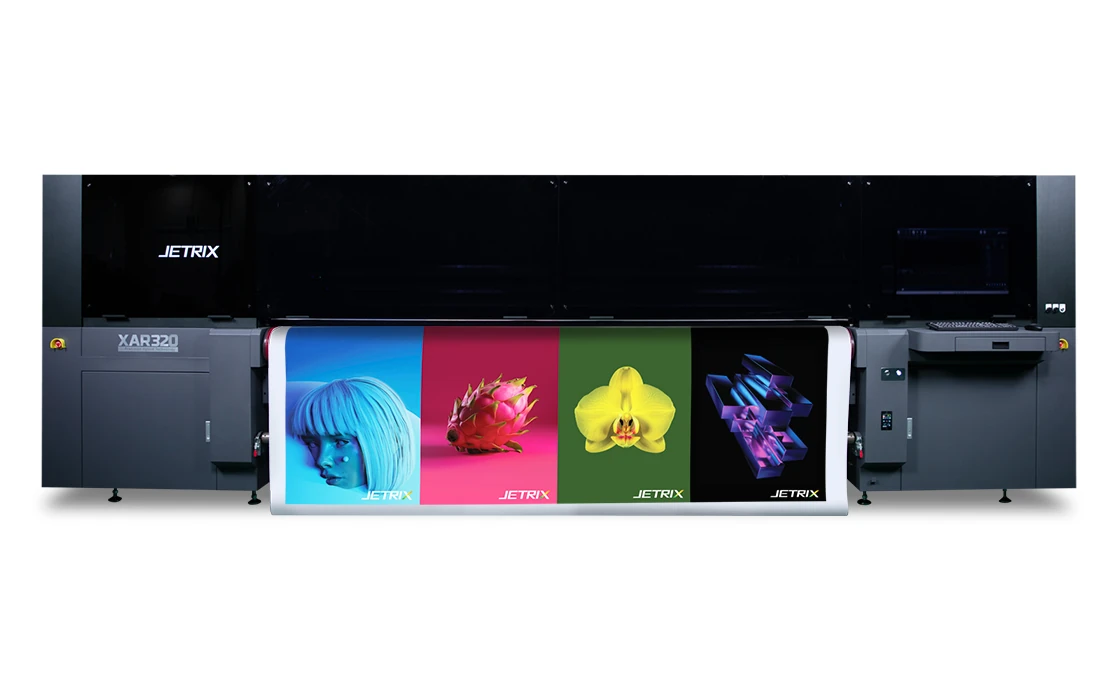
Print on boards, films and banners up to 3.2 m wide with one UV LED hybrid printer. Belt-fed media handling and a choice of colour, white ink and varnish configurations let you tailor the machine to your work.
* 118 m²/h is measured with CMYK, a double array, 2 passes, gradient medium masking and a print width of 3.2 m. Compare configurations and modes below. Compare modes ↓
01 / PRINT APPLICATIONS
Produce everyday signage, graphics with white ink and backlit displays. Choose the configuration to suit your media, artwork and intended result.
Print signage, displays and POS graphics on foam board, composite boards and other suitable rigid substrates. Support tables hold the boards as the belt feeds them through the print zone.
Print on PVC, flex, banner material and other suitable flexible media. The feed and take-up system handles heavy rolls and larger production runs.
Print on window films, transparent media and backlit media. Use white ink in the chosen layer sequence to control how the colours appear.
Use acrylic, polycarbonate and other compatible substrates for decorative panels and displays. The V varnish channel can highlight selected parts of a design. Alphaset checks the finish and ink adhesion through print tests.
The media surface, finish and intended use affect ink adhesion and print durability. Alphaset helps select the ink, colour profile and UV curing settings for the application.
02 / BOARDS AND ROLL MEDIA
The hybrid design lets you work with both rigid boards and flexible roll media. Adjust the media feed and handling setup for each type of job.
 Enlarge photo
 RIGID MATERIALS
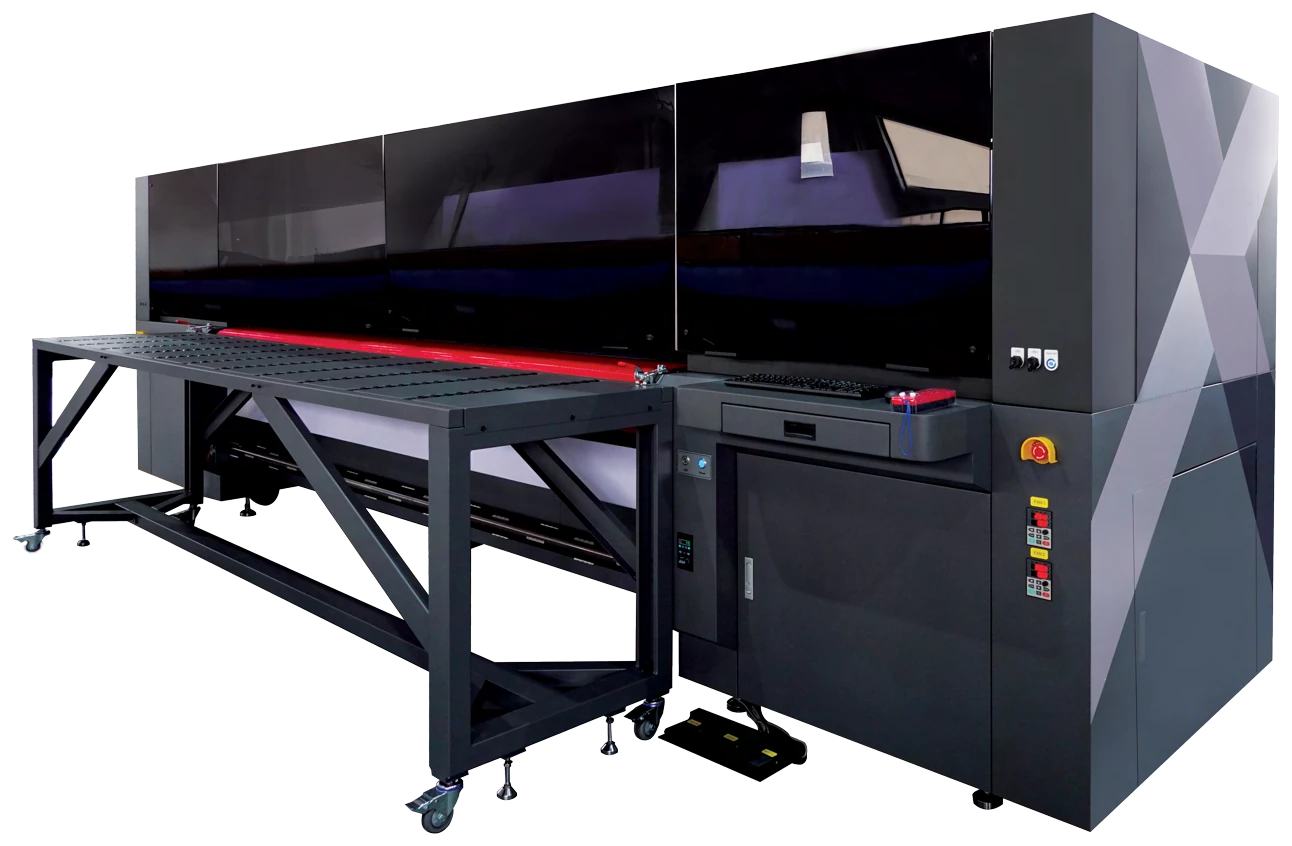
Tables support the board before and after the print zone. Guides, rollers and four vacuum zones help keep it positioned on the belt. Alphaset checks the board size, rigidity and surface finish during print tests.
 Enlarge photo
 FLEXIBLE MATERIALS
The feed and take-up system handles large, heavy rolls. A precision belt guides thin media through the print zone, while UV LEDs cure the ink during printing. Adjust the media handling settings to protect the surface.
03 / CONSTRUCTION AND CONTROL
A precision hybrid belt handles rigid boards and thin roll media. The carriage's linear drive, vacuum control and media guides support stable operation in both print processes.
Designed to minimise feed deviation, the belt guides media through the print zone. It handles both rigid substrates and thin roll media.
Four vacuum zones and two ring blowers help hold the media steady. Adjust the vacuum pressure to suit its size, surface and handling characteristics.
The carriage's linear motor and precision metal raster position measurement system support motion control. The stated system accuracy of less than 1 μm is a design specification, not a tolerance for the finished print.
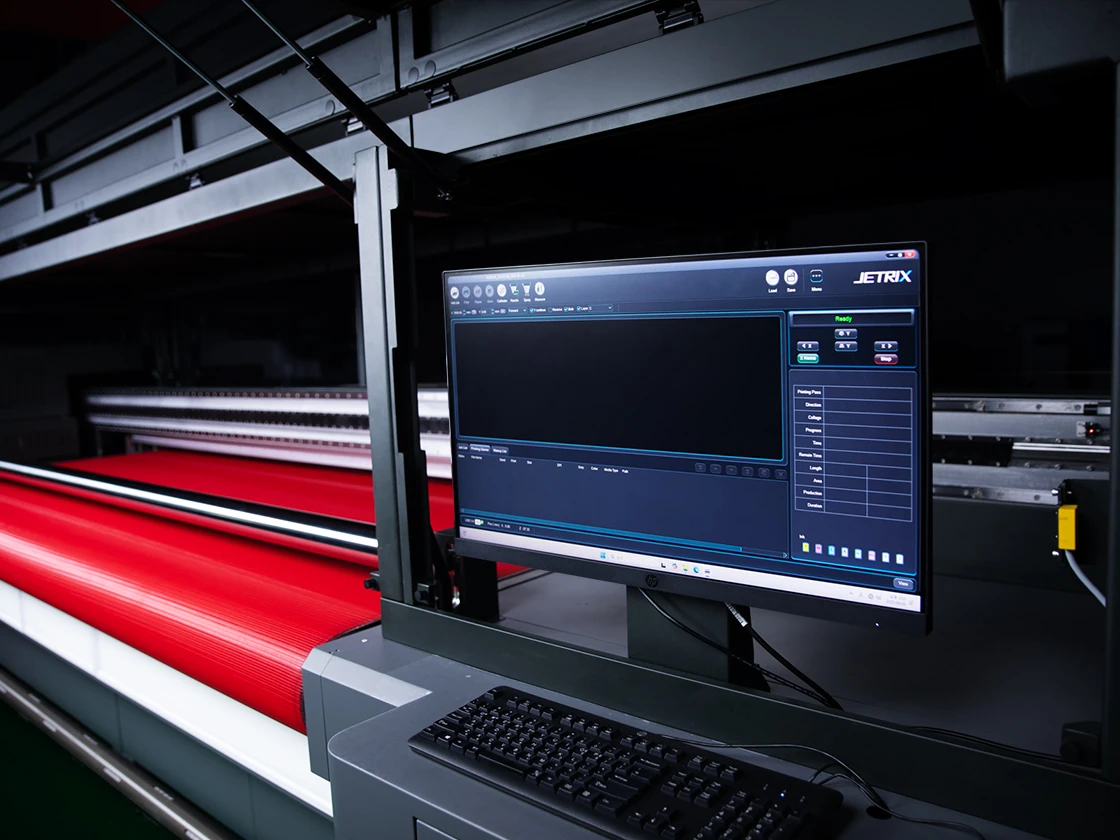
Pedal controls for the front and rear vacuum, pinch roller and media setup bar help you prepare the media for printing.
The take-up system handles rolls weighing up to 150 kg each. Guides and support tables help position and feed rigid boards.
White ink circulation and stirring help maintain a stable ink supply. A dedicated row of varnish printheads adds finishing options to the configuration.
04 / INKS AND APPLICATIONS
Choose from CMYK, light cyan, light magenta, white ink and varnish configurations. Up to 21 Konica Minolta 1024A printheads can be arranged to suit your colour and layered printing requirements.
Configure up to three rows for colour, two for white ink and a dedicated row for varnish. A maximum of eight channels are available: C, M, Y, K, Lc, Lm, W, V. The number of printheads and available layer sequences depend on the configuration you order.
UV LEDs cure the ink during printing. Match the process to the media, from feed settings and the colour profile to lamp settings and finishing.
For transparent, coloured or backlit media, plan white-ink coverage and the viewing direction together. Alphaset can test your application under its intended display conditions.
Let's talk about your media05 / SPEED AND QUALITY
Compare CMYK print speeds for single and double array configurations. Select the printhead arrangement and number of passes to balance throughput with the detail your artwork needs.
Scroll the table sideways to compare configurations →
| Mode / passes | Resolution | Single array / CMYK | Double array / CMYK |
|---|---|---|---|
| Top Speed / 2 passes | 363 × 720 dpi | 59 m²/h | 118 m²/h |
| Production / 4 passes | 479 × 720 dpi | 35 m²/h | 71 m²/h |
| Quality / 6 passes | 479 × 1 080 dpi | 23 m²/h | 46 m²/h |
| Fine Art / 8 passes | 479 × 1 440 dpi | 17 m²/h | 33 m²/h |
The stated speeds apply to CMYK printing with gradient medium masking at a print width of 3.2 m. Actual speed depends on the image, firmware, computer and print settings. Single and double arrays use different printhead configurations. Throughput with white ink and varnish depends on the printhead arrangement, layer sequence and required opacity.
Faster modes reduce production time, while more passes allow finer detail in demanding graphics. Use print tests to assess detail, tonal transitions and solid colour areas alongside the throughput you need.
06 / TECHNICAL DATA
Plan the configuration, delivery route, roll handling and installation requirements with Alphaset. Allow additional space around the machine for operation and maintenance.
JETRIX / LOCAL DISTRIBUTION
For purchasing, availability and support in Slovakia, contact the local JETRIX partners.
07 / HELP WITH PRINTING
Alphaset helps you choose a solution for your production requirements, with continued support for operation and print quality after installation.
We discuss your media, artwork and production volumes before recommending a printer. If our range does not meet your needs, we can help identify other suitable solutions.
Every installation is different. Alphaset checks printer operation and print quality before completing the installation.
Introductory training helps operators get started. A follow-up consultation can address questions arising from daily use. Agree the training scope and follow-up arrangements with Alphaset.
08 / FREQUENTLY ASKED QUESTIONS
Check how the specifications fit your artwork, media and production workflow.
The XAR320 feeds media through the print zone on a belt. Rigid boards use support tables and guides, while roll media use the feed and take-up system. A conventional flatbed printer holds the media on a fixed table instead.
Yes. The XAR320 is designed for both processes. Switching between them requires the correct feed, guide, vacuum and take-up settings. Alphaset reviews your media and production workflow when selecting the configuration.
The table applies to CMYK only. The 118 m²/h speed is measured with a double array and 2 passes at a width of 3.2 m. Layered printing options and throughput depend on the printhead arrangement, required opacity and colour, white ink and varnish configuration.
No. This is the maximum printhead count. Alphaset selects the configuration for your colour, white ink and varnish printing requirements, and confirms the number of rows, channels and available print processes.
Bring the boards and roll media you normally use, artwork with fine details and solid colour areas, and designs that use white ink or varnish. Alphaset checks media feed, print quality, ink adhesion and the result after your planned finishing process.
09 / DOCUMENTATION
Download the Slovak A4 brochure or the original manufacturer’s catalogue in English. Both PDFs open in a new tab.
TELL US ABOUT YOUR PRODUCTION
Tell Alphaset about your media, print sizes and production requirements to discuss the right configuration and arrange print tests.