Window graphics and films
Print graphics on suitable PVC and PET films, including transparent media. A white ink underbase helps keep colours visible against the surface where the graphic will be applied.

ROLL-TO-ROLL / UV LED
Fine detail. Colour, white ink and varnish.
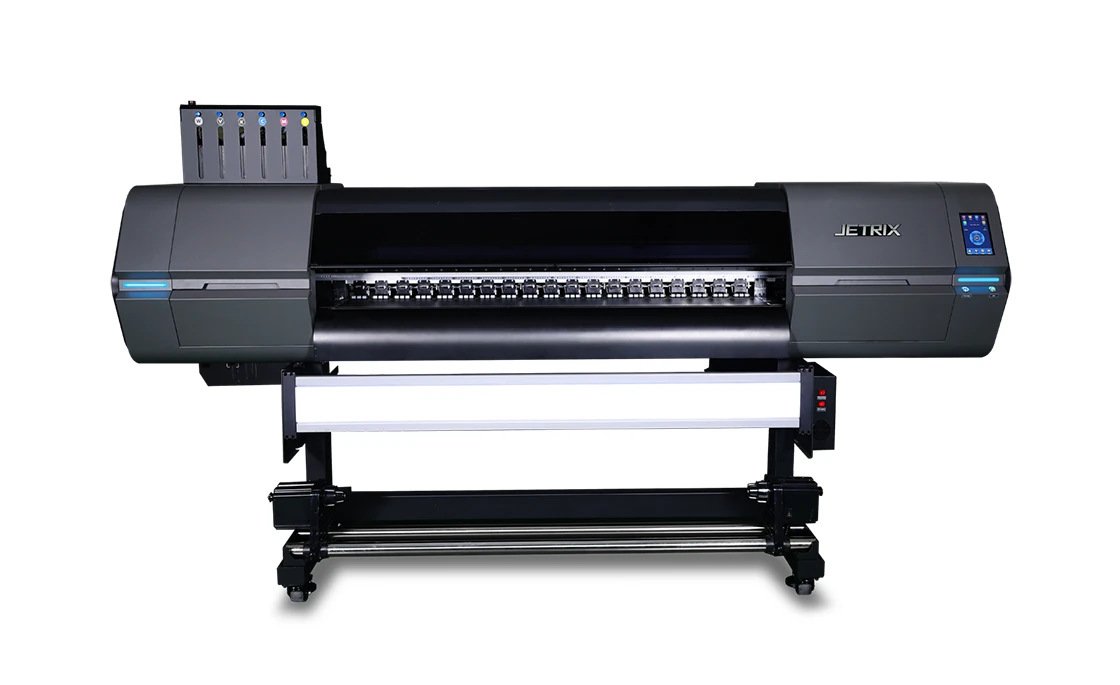
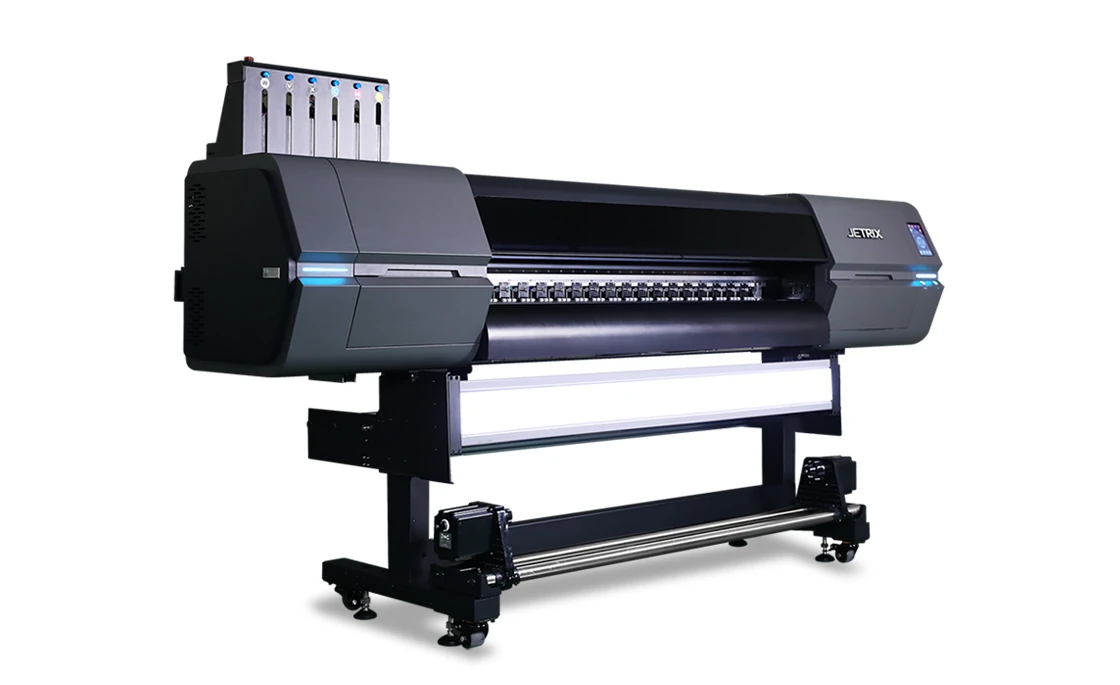
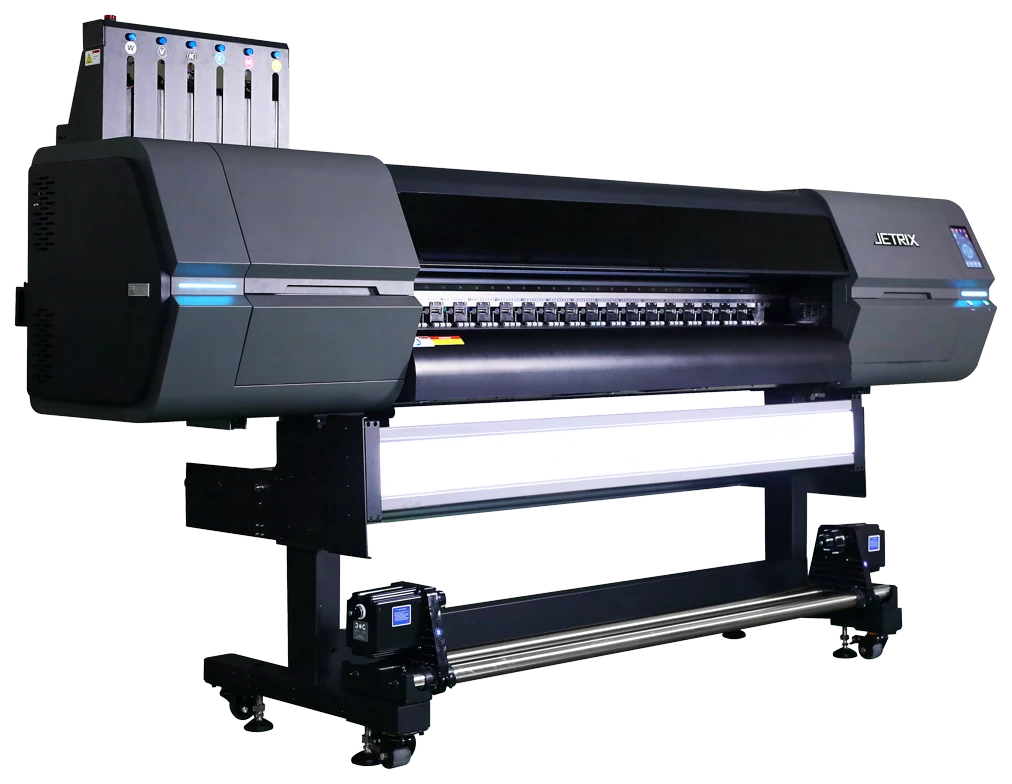
Compact UV LED roll-to-roll printing up to 1.6 m wide. Epson i3200-U1 printheads, automatic media feed and layered printing let you produce advertising graphics and add varnish effects.
* Resolution varies by print mode. The maximum speed is 42 m²/h; the table below gives speeds for the stated masking conditions and layer configurations. Compare modes ↓
01 / PRINT APPLICATIONS
From everyday signage to white-ink graphics and backlit displays, choose a printer configuration that suits your media, artwork and intended result.
Print graphics on suitable PVC and PET films, including transparent media. A white ink underbase helps keep colours visible against the surface where the graphic will be applied.
Use flexible roll media for banners, displays and signage. Automatic media feed and take-up help manage repeat production runs.
Colour–white and colour–white–colour layer combinations give you more options on transparent media. Evaluate a print sample under the intended lighting and viewing conditions.
The varnish channel (V) lets you highlight selected parts of the design. Alphaset checks the media, opacity, layer sequence and RIP workflow when planning the effect.
The surface, finish and intended use affect ink adhesion and print durability. Alphaset selects the ink, colour profile and UV curing settings for your application.
02 / DESIGN AND CONTROL
A servo drive works with automatic media feed and take-up. Front and rear heating zones help reduce media curl, while laser nozzle detection helps maintain continuous printing.
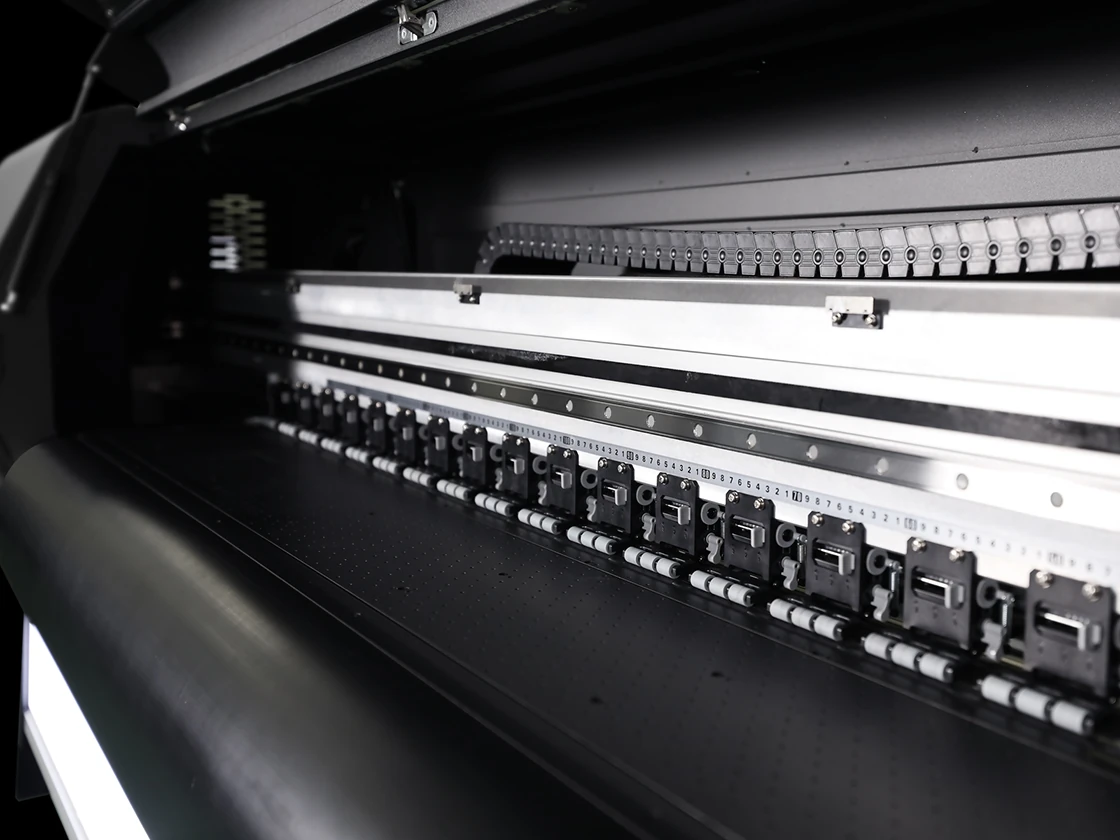
PrecisionCore MicroTFP printheads with 5 pl droplets reproduce fine detail. The printer supports up to four printheads in three rows, depending on the configuration.
Laser detection identifies blocked nozzles, and automatic compensation helps maintain print quality. Routine cleaning and maintenance are still needed.
The integrated feed system moves media through the print zone and winds it onto a roll after printing. It supports media up to 1,600 mm wide and rolls weighing up to 60 kg.
Heating at the printhead base and the three front/rear zones helps maintain stable operation and reduce media curl. Alphaset selects the settings to suit the media.
Two water-cooled UV LED lamps cure the ink during printing.
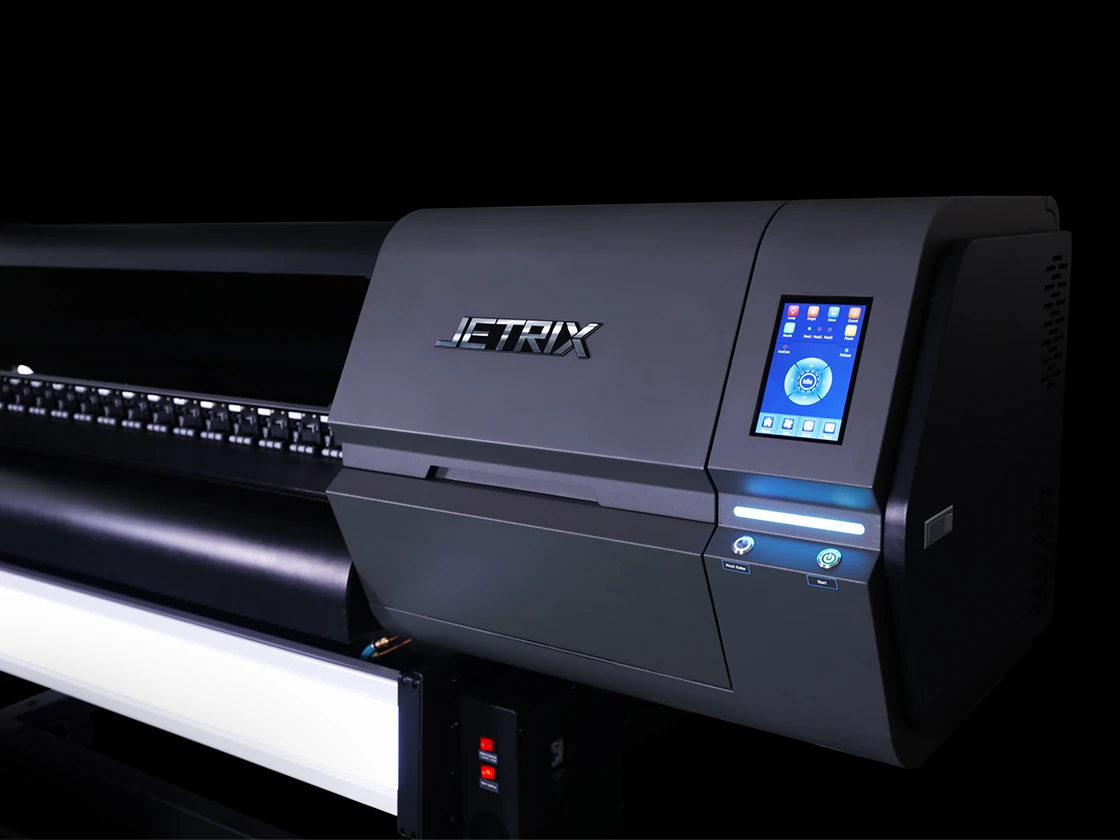
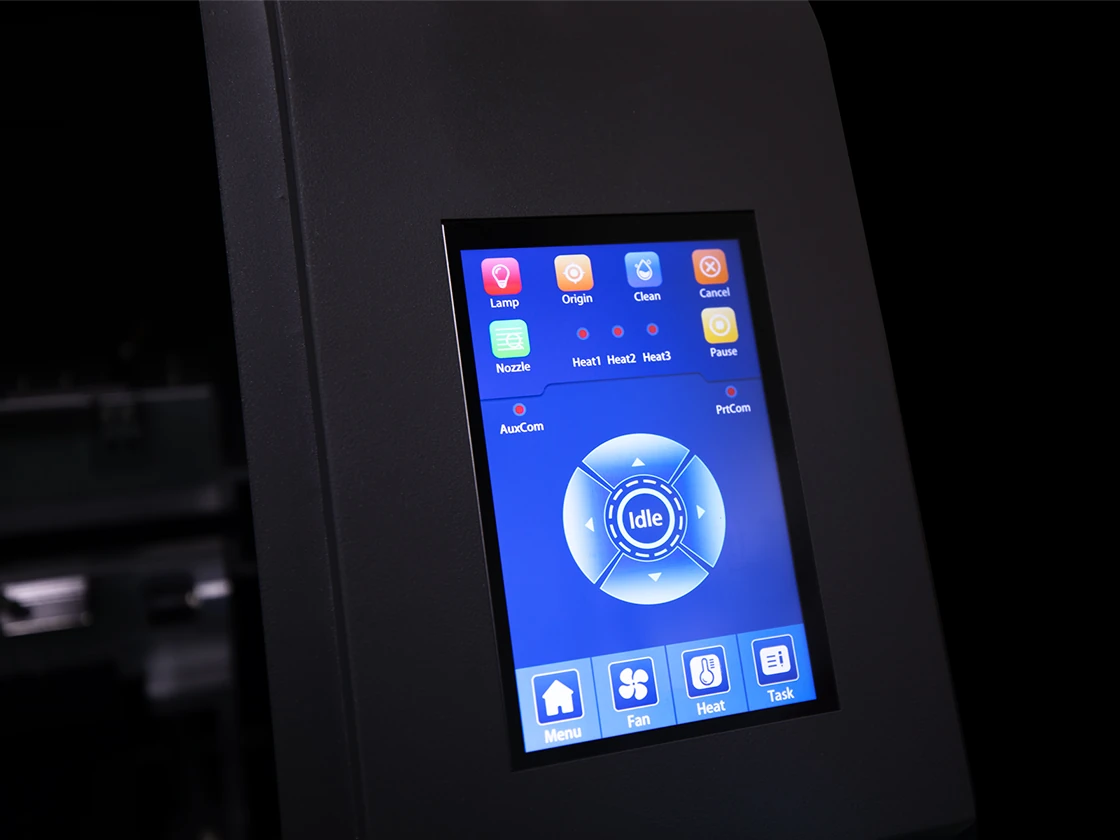
White ink circulation helps keep the ink stable. Operate the printer through the 7.6-inch touch panel; the main ink tank has a capacity of 1.5 litres.
03 / INK AND APPLICATION
Colour ink creates the image, white ink controls its opacity on transparent or coloured media, and varnish (V) highlights selected areas. Choose C, CW/WC or CWC layers to suit the viewing direction, transparency and finish.
C means colour, W means white ink and V means varnish. CWC is a colour–white–colour layer sequence. Set the layer order, ink coverage and print data to suit the media and RIP. The speed table does not give separate figures for varnish printing.
UV light cures the ink during printing. Match media handling, colour profiles, lamp settings and finishing to the substrate and its intended use.
For transparent, coloured or backlit media, plan white-ink coverage around the viewing direction. Alphaset can test your application under its intended lighting and display conditions.
Let's talk about your media04 / SPEED AND QUALITY
Colour-only jobs and jobs with white ink run at different speeds. Compare resolution and layer configuration alongside the maximum speed.
Scroll horizontally to compare all configurations →
| Print mode / passes | Resolution | Colour / C | 2 layers / CW or WC | 3 layers / CWC |
|---|---|---|---|---|
| Standard / 4 passes | 360 × 2,400 dpi | 23.7 m²/h | 11.9 m²/h | 11.9 m²/h |
| High quality / 6 passes | 360 × 3,600 dpi | 14.1 m²/h | 7.4 m²/h | 7.4 m²/h |
| High quality+ / 8 passes | 720 × 2,400 dpi | 11.1 m²/h | 5.4 m²/h | 5.4 m²/h |
Measured with Depth masking at a print width of 1,520 mm. Actual speed depends on the image, firmware, computer performance and print settings. The maximum speed of 42 m²/h does not apply to every mode or to all layered printing.
Faster modes reduce printing time, while more passes can help refine demanding graphics. Use print tests to compare detail, tonal transitions and solid colour areas alongside the throughput you need.
05 / TECHNICAL SPECIFICATIONS
Plan the printer configuration, delivery access, roll handling and installation requirements with Alphaset. The machine dimensions do not include working or maintenance space.
JETRIX / LOCAL DISTRIBUTION
For purchasing, availability and support in Slovakia, contact the local JETRIX partners.
06 / LOCAL SUPPORT
Alphaset helps you choose a printer that fits your production and supports you after installation.
We discuss your media, artwork and production volumes before recommending a printer. If your needs call for a different solution, we can help you explore other options on the market.
Every installation has its own requirements. Alphaset checks printer operation and print quality before handover.
Introductory training helps operators get started. A follow-up consultation can address questions arising from daily use. Agree the training scope and follow-up arrangements with Alphaset.
07 / FREQUENTLY ASKED QUESTIONS
Check the specifications against your artwork, media and production workflow.
No. This is the printer’s maximum speed. The table gives speeds at a print width of 1,520 mm with Depth masking for colour only, two layers (CW/WC) and three layers (CWC). Jobs using white ink run at different speeds.
Varnish can add a surface effect to selected parts of the design. Alphaset checks the layer sequence, finish and media compatibility during a print test. Throughput for varnish printing needs to be confirmed separately.
No. Laser detection and automatic compensation help keep printing consistent, but regular cleaning, ink checks and suitable operating conditions are still required.
The XER160 is a roll-to-roll printer. The maximum thickness of 3 mm applies to suitable roll-fed media. It does not print on rigid boards placed on a flatbed table.
08 / DOCUMENTATION
Download the Slovak A4 print brochure or the original English manufacturer’s catalogue. Both PDFs open in a new tab.
TELL US ABOUT YOUR PRODUCTION
Tell Alphaset about your media, print sizes and production requirements to discuss configuration and print tests.